0 / 20000
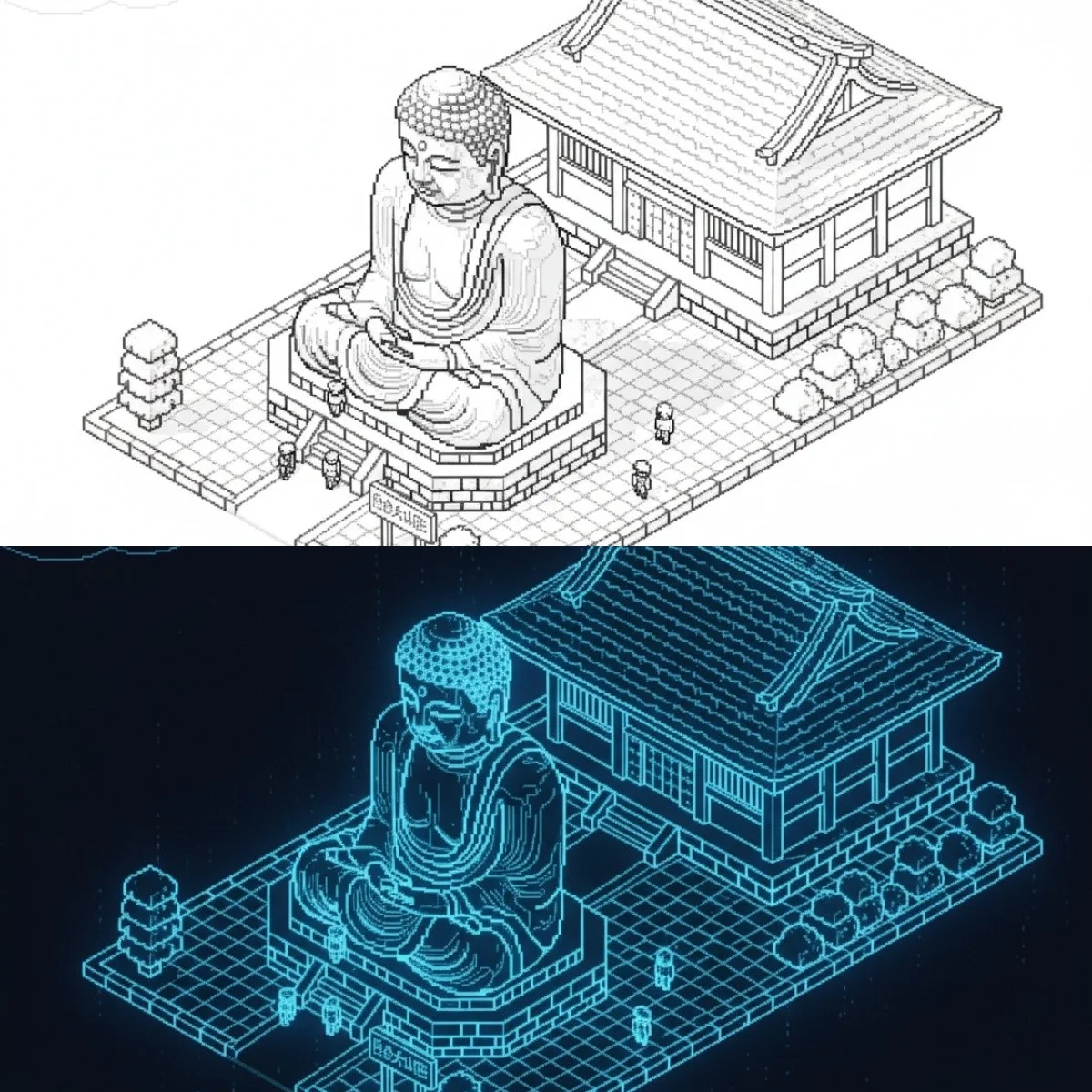
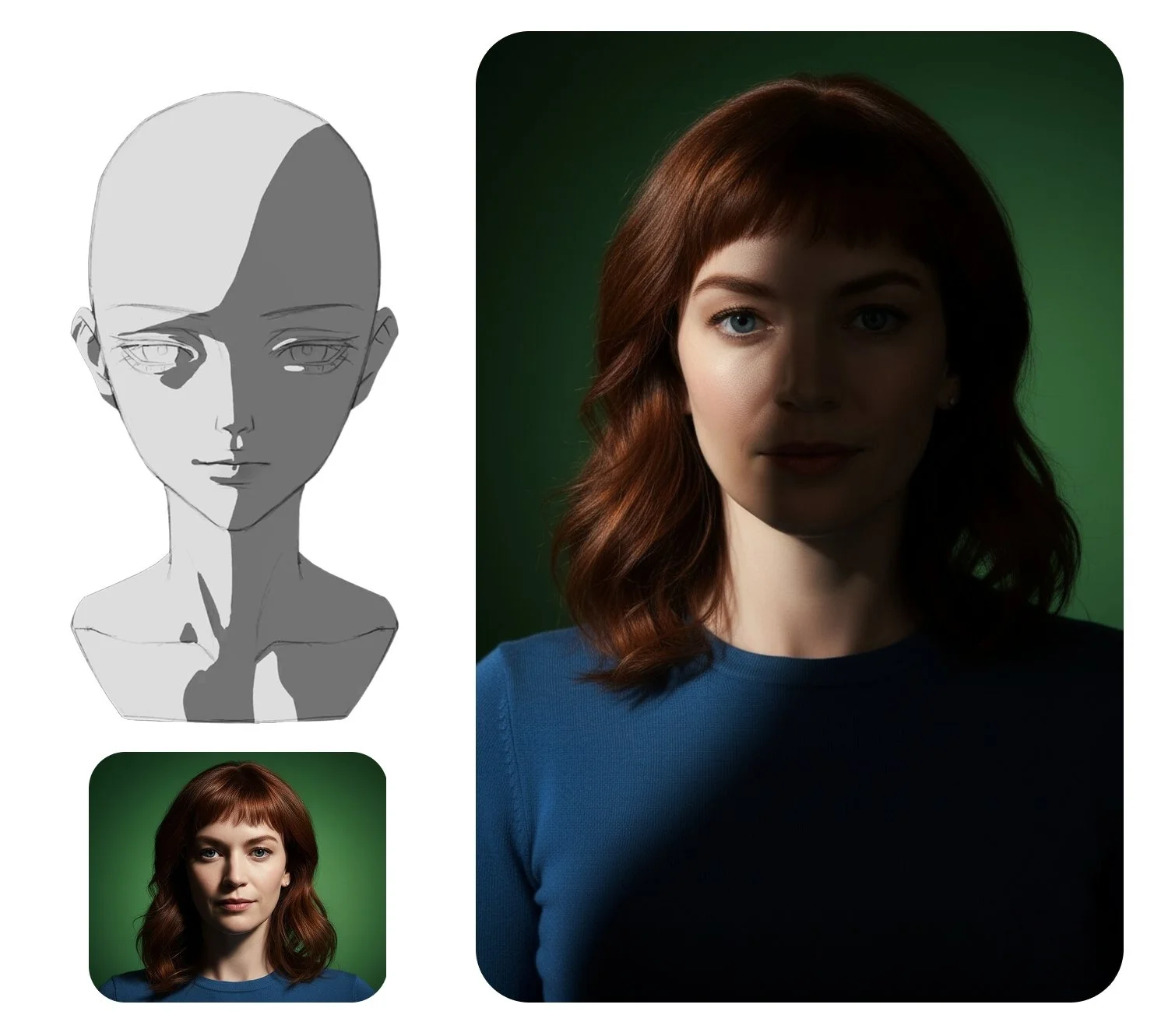
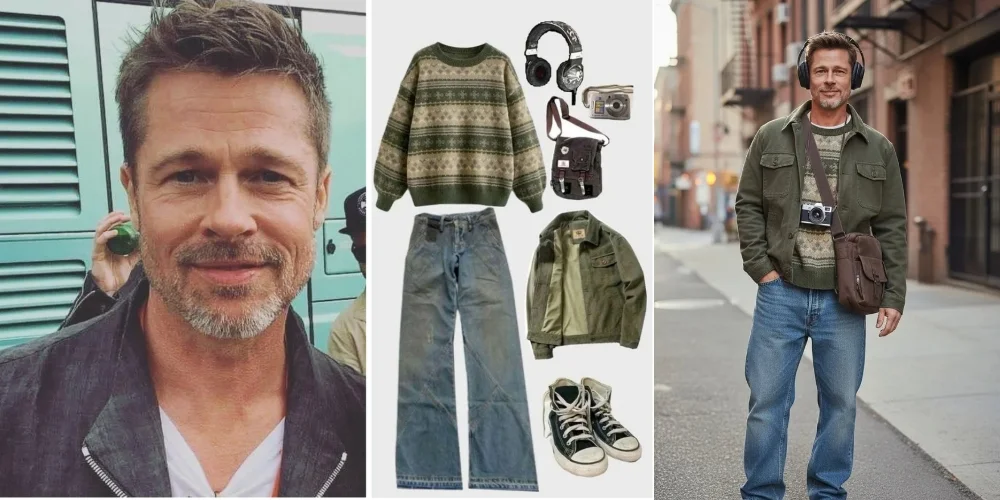

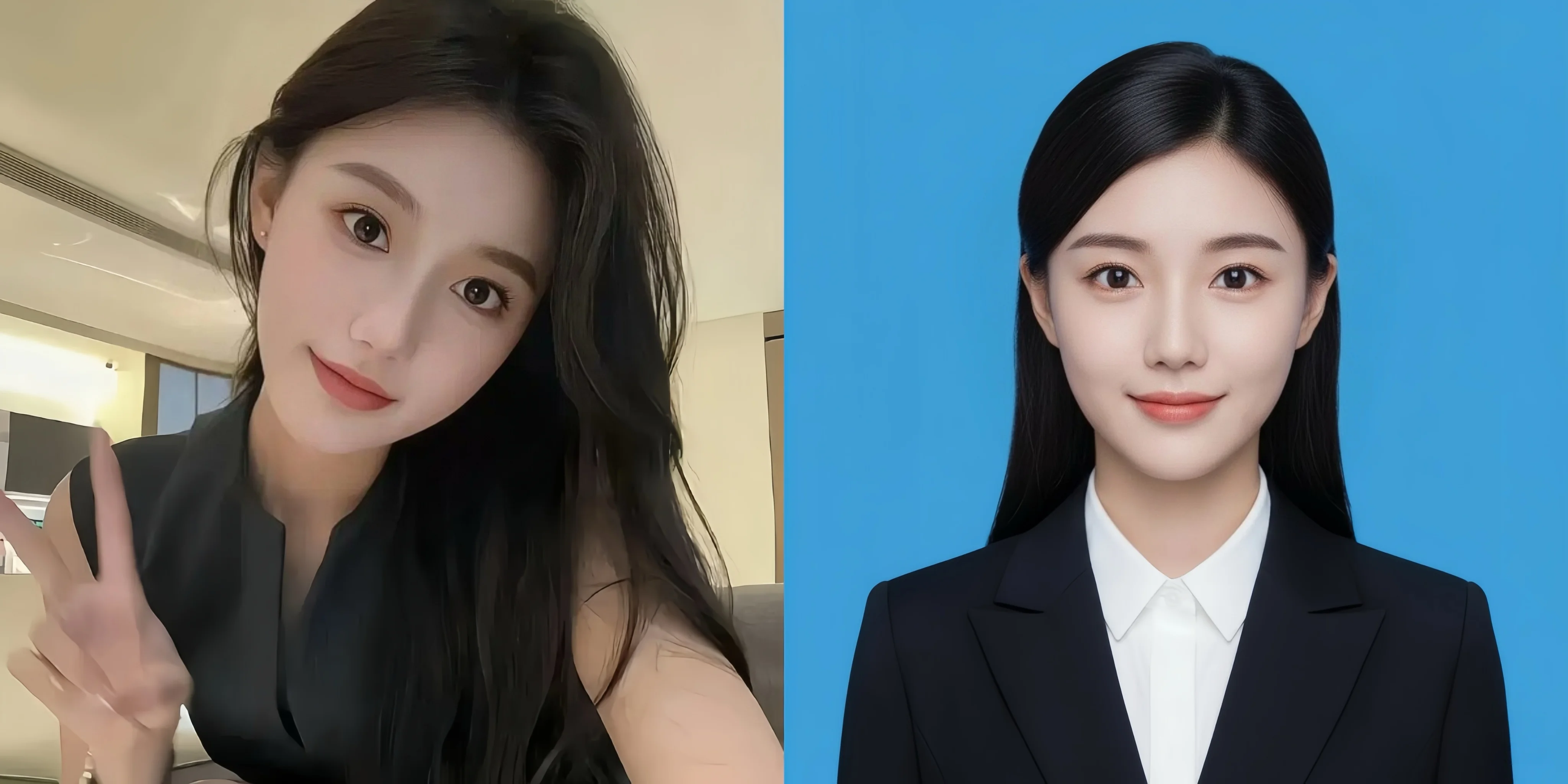
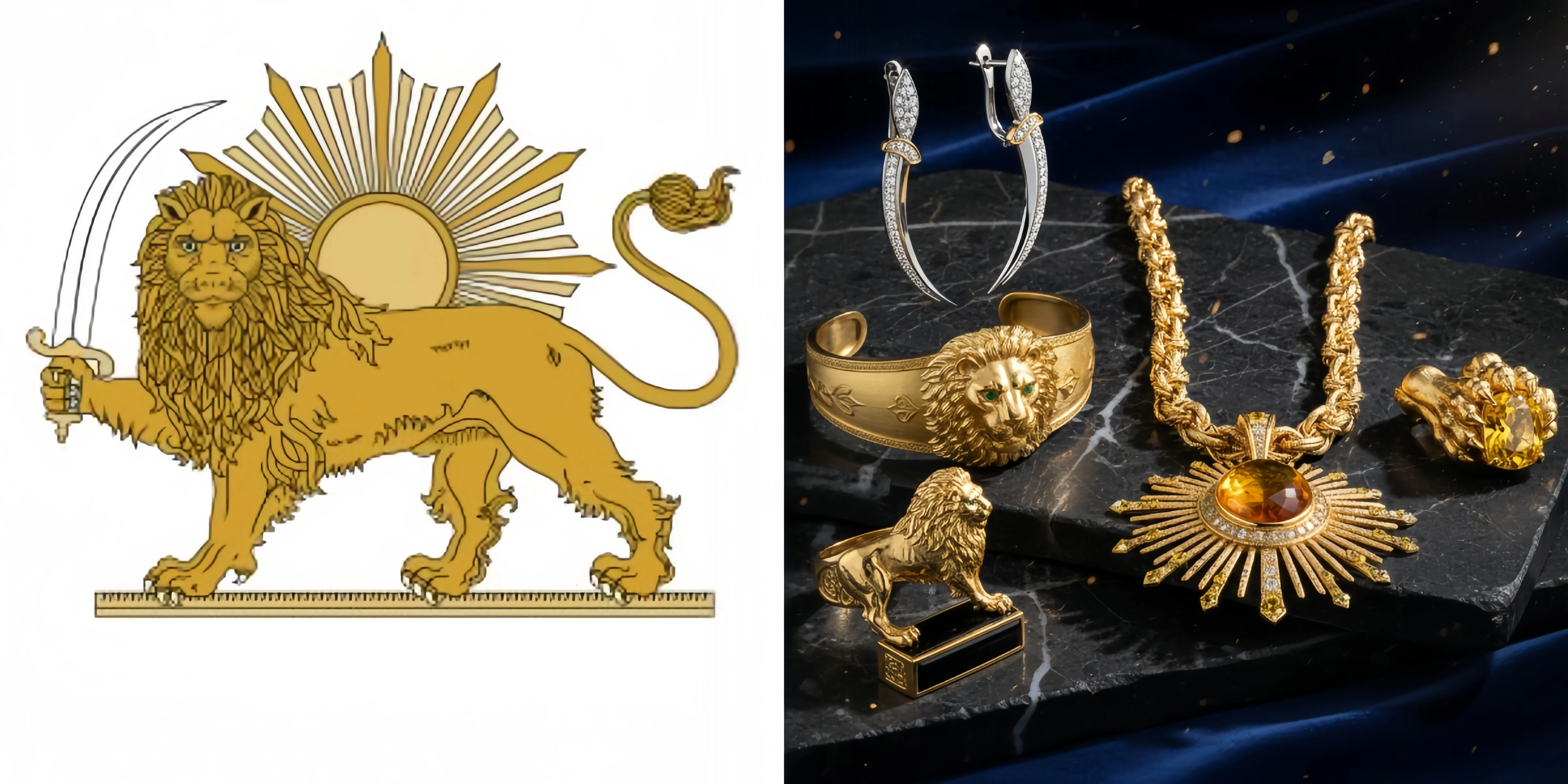
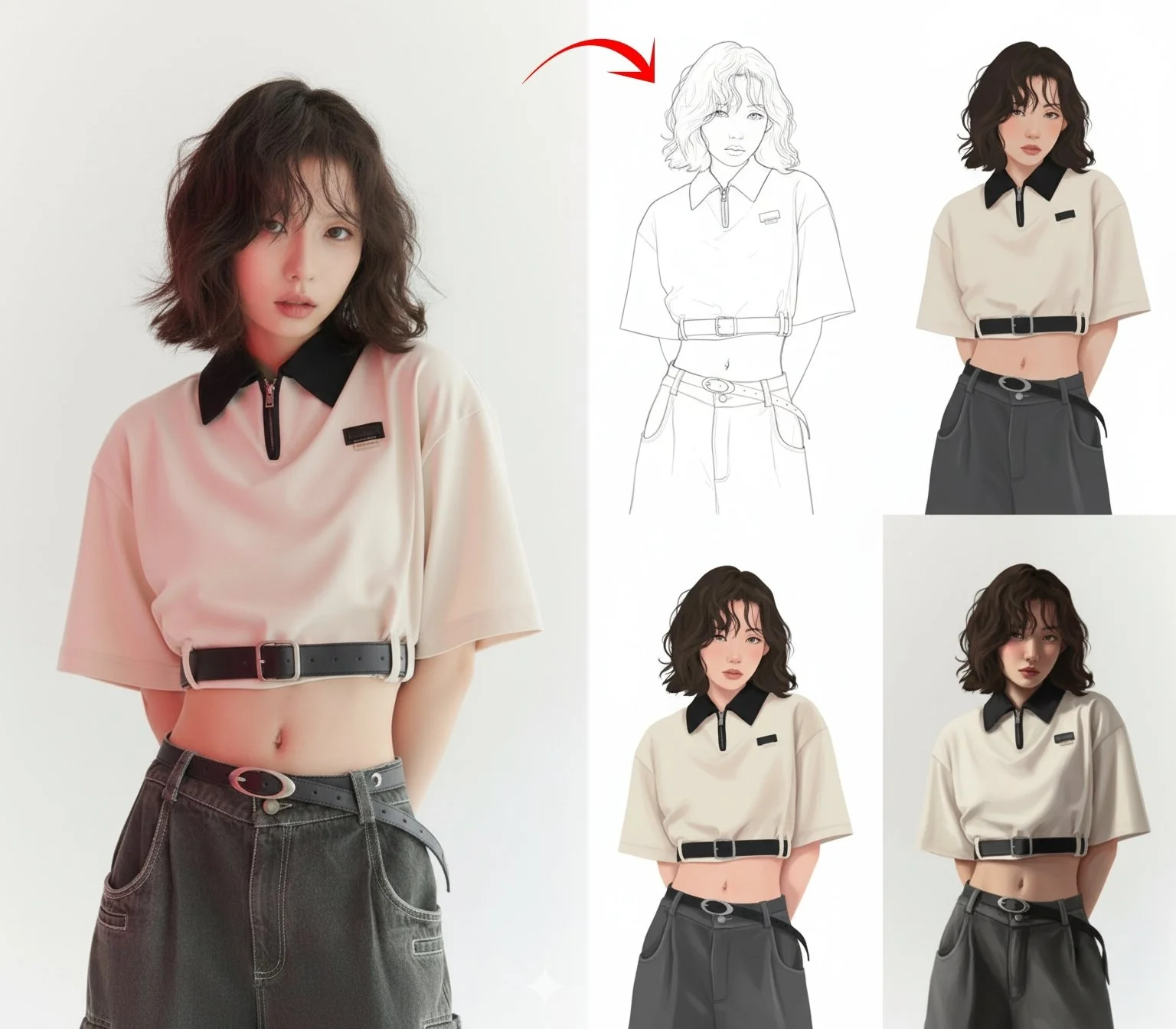
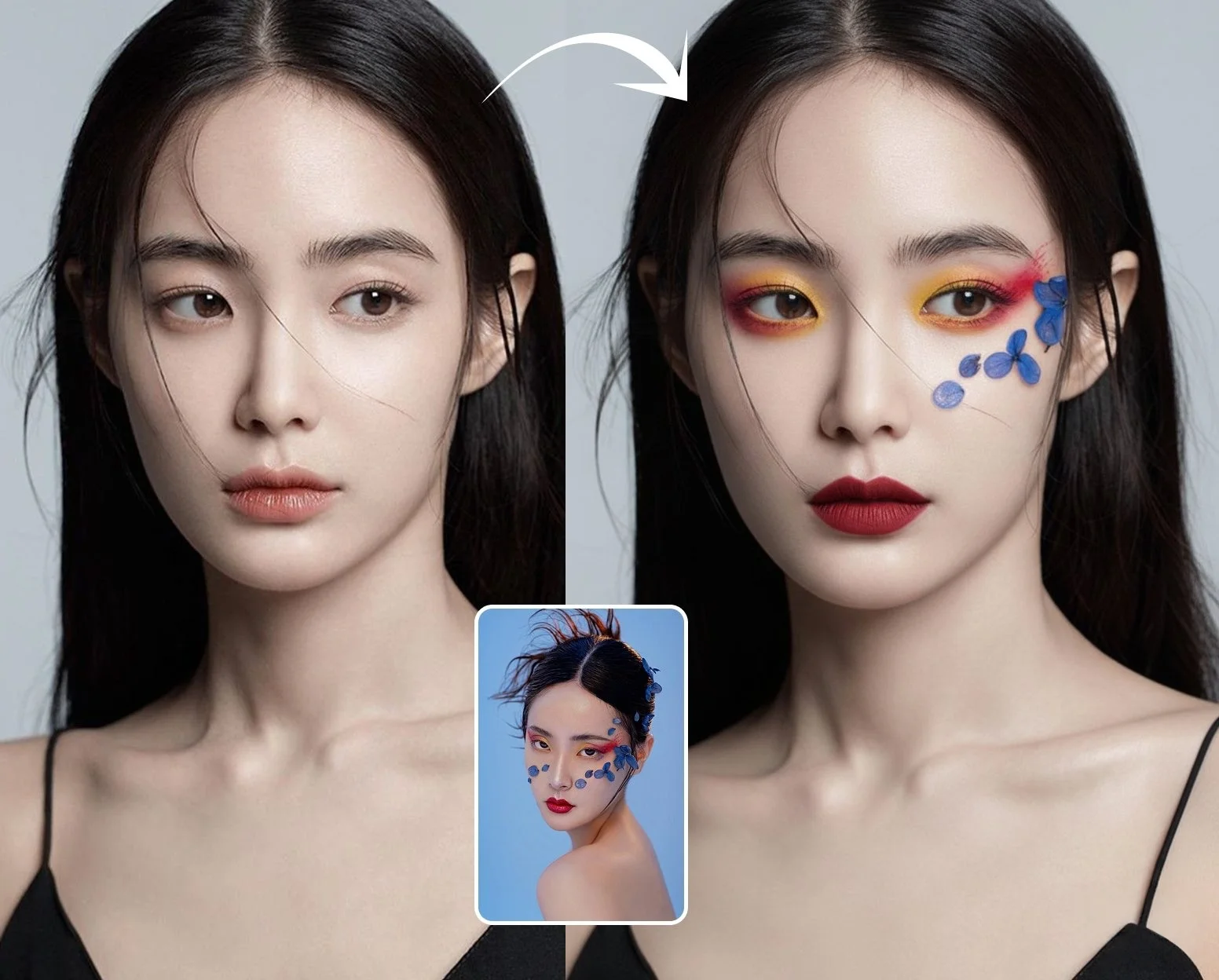
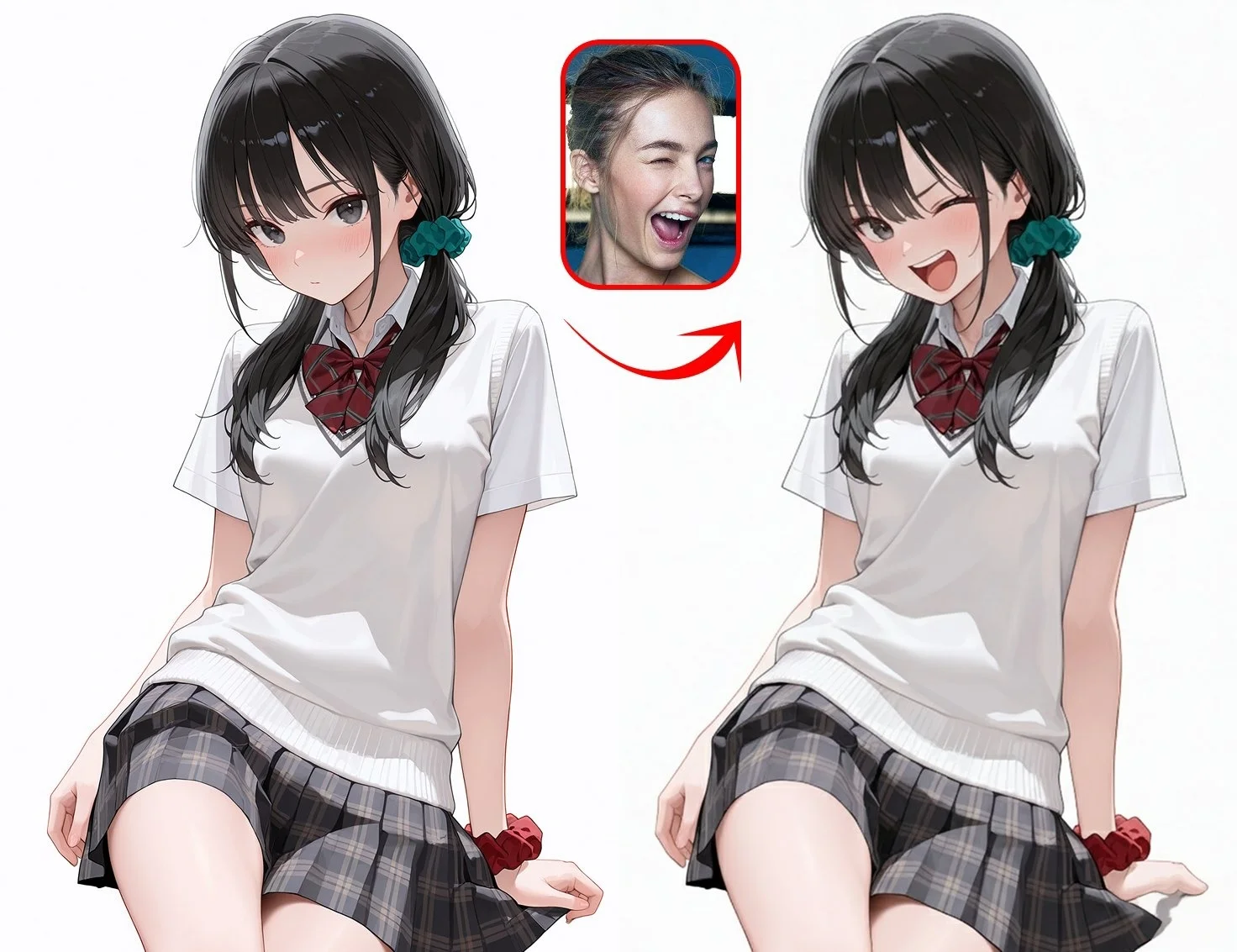


Nano Banana AI Image Generator
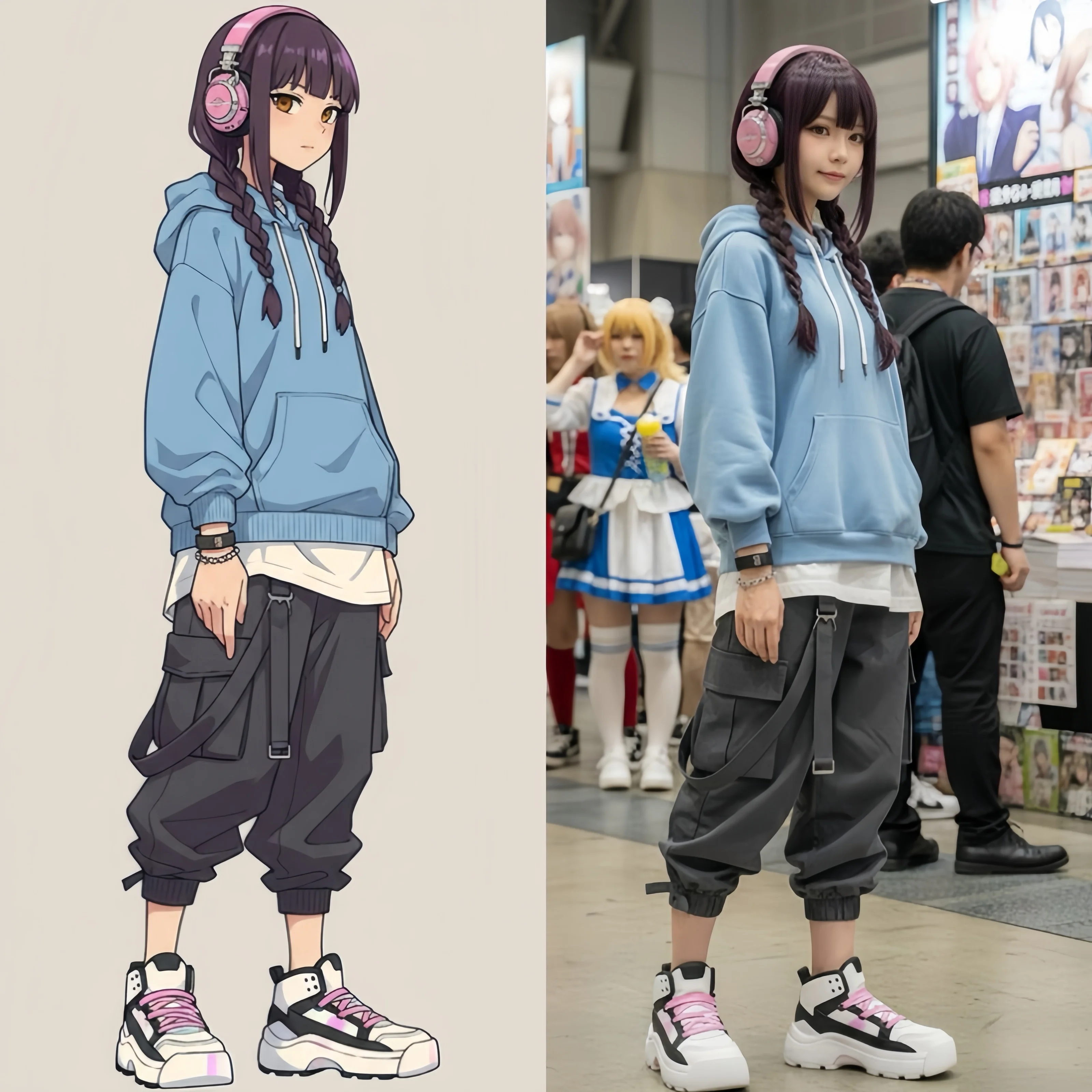
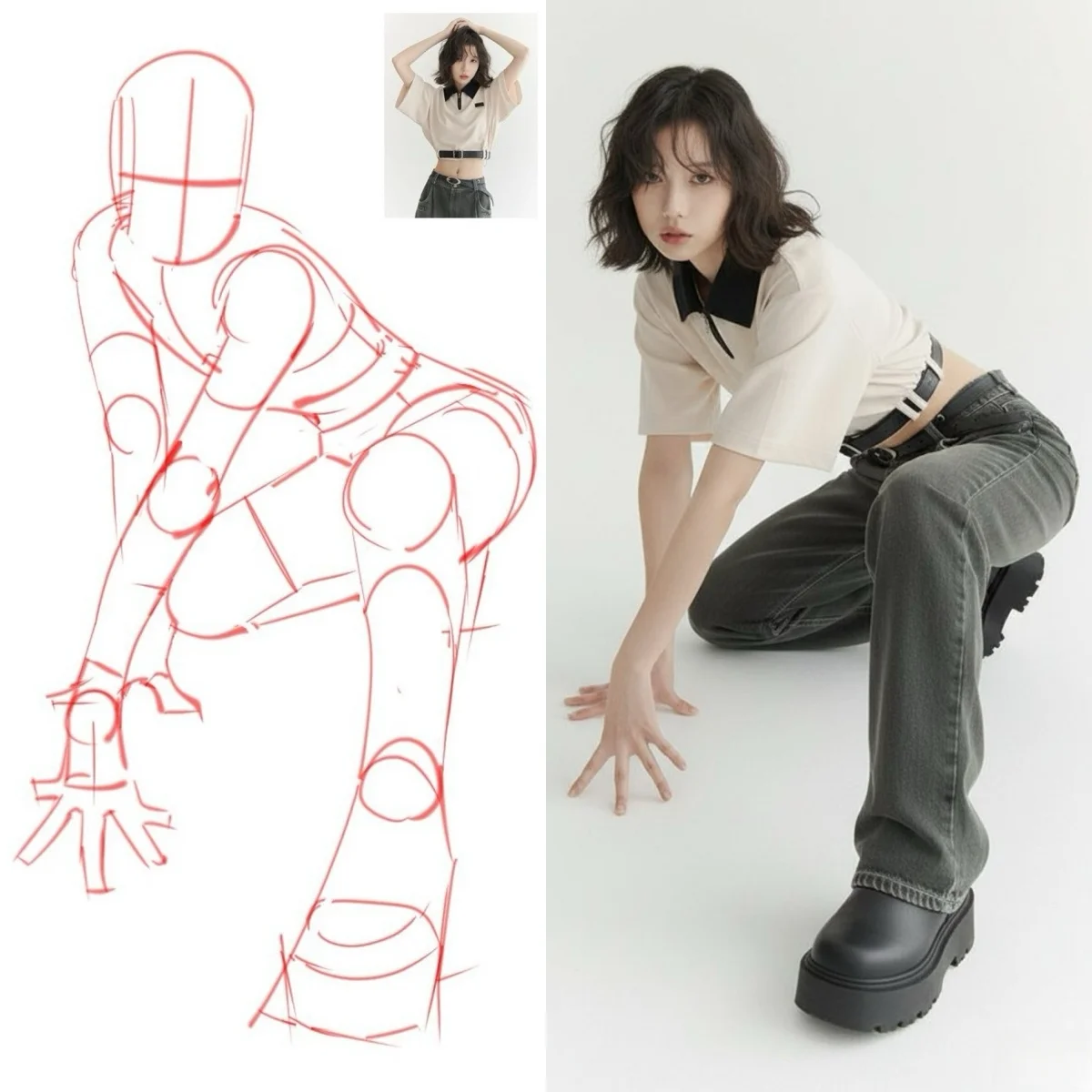
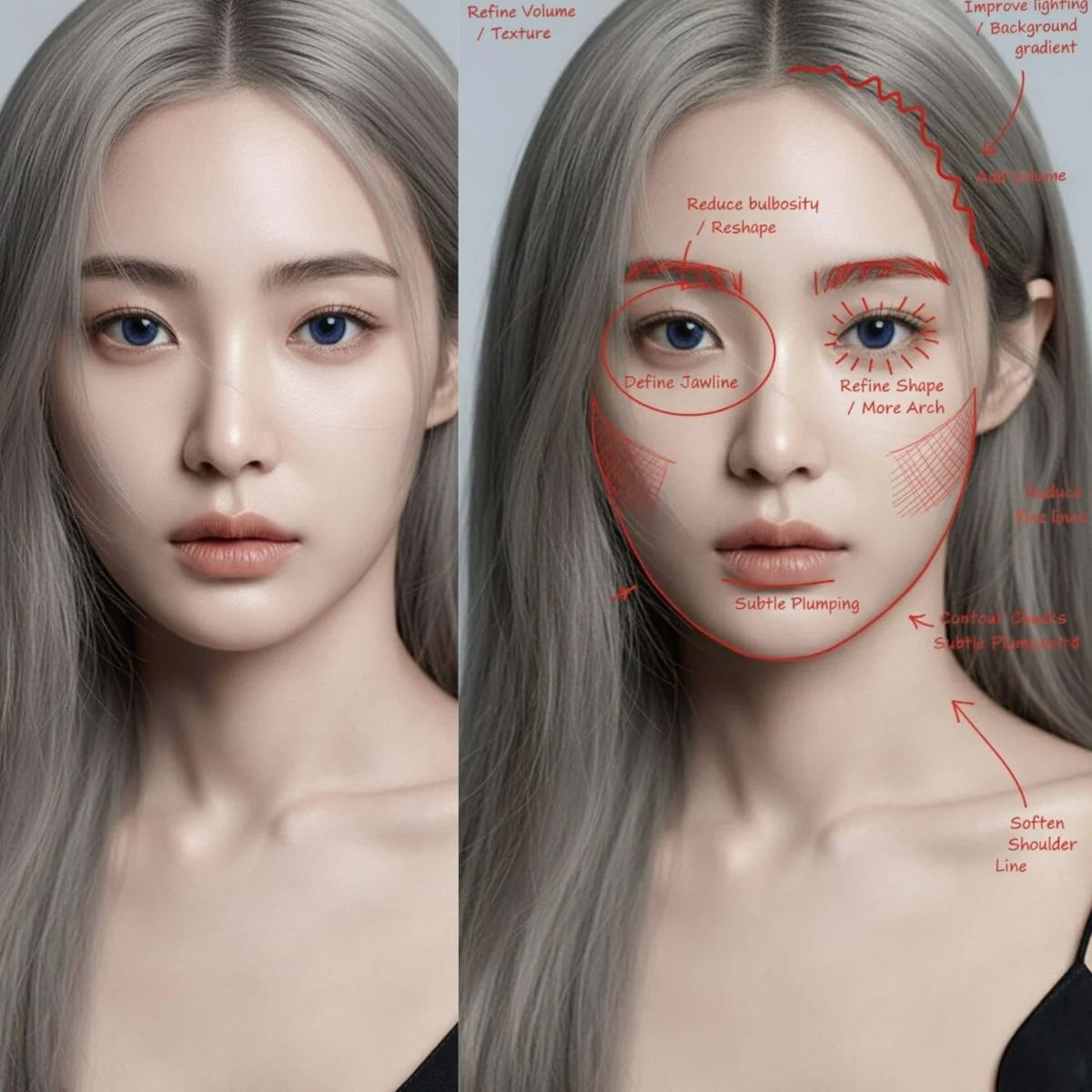
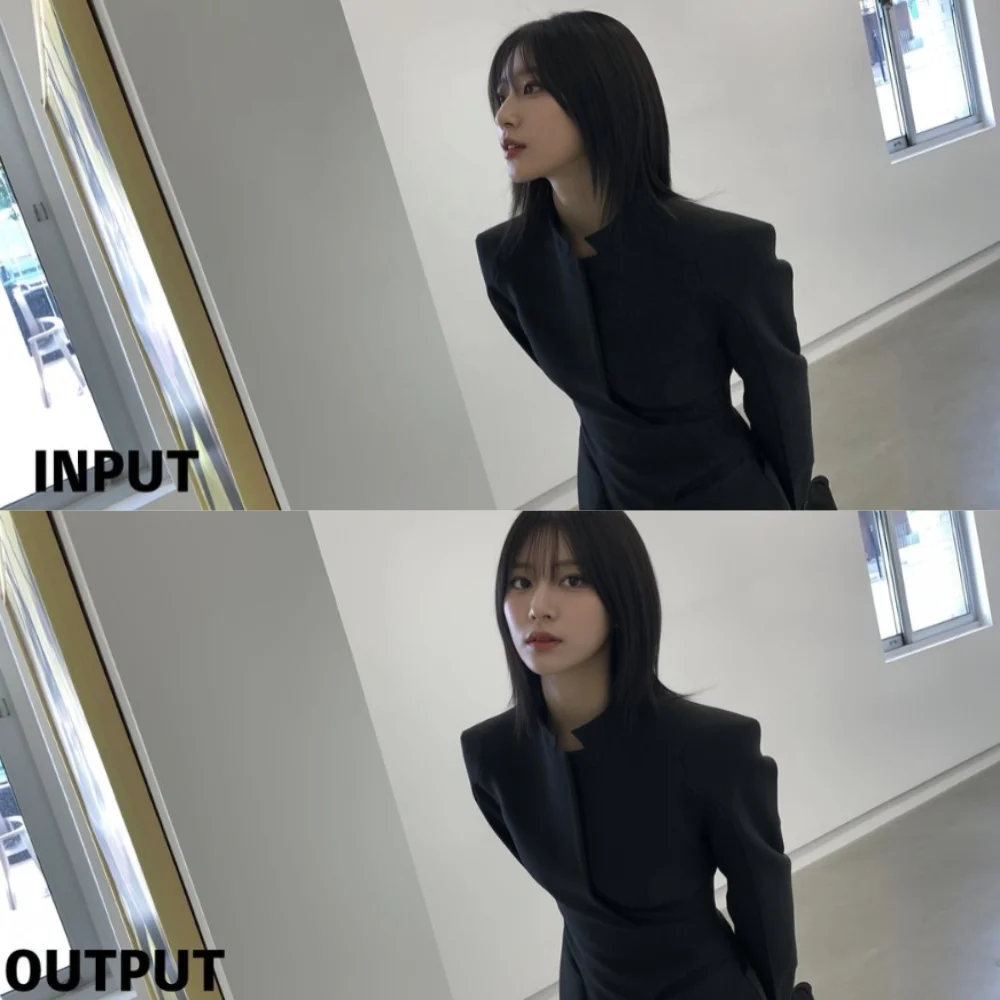
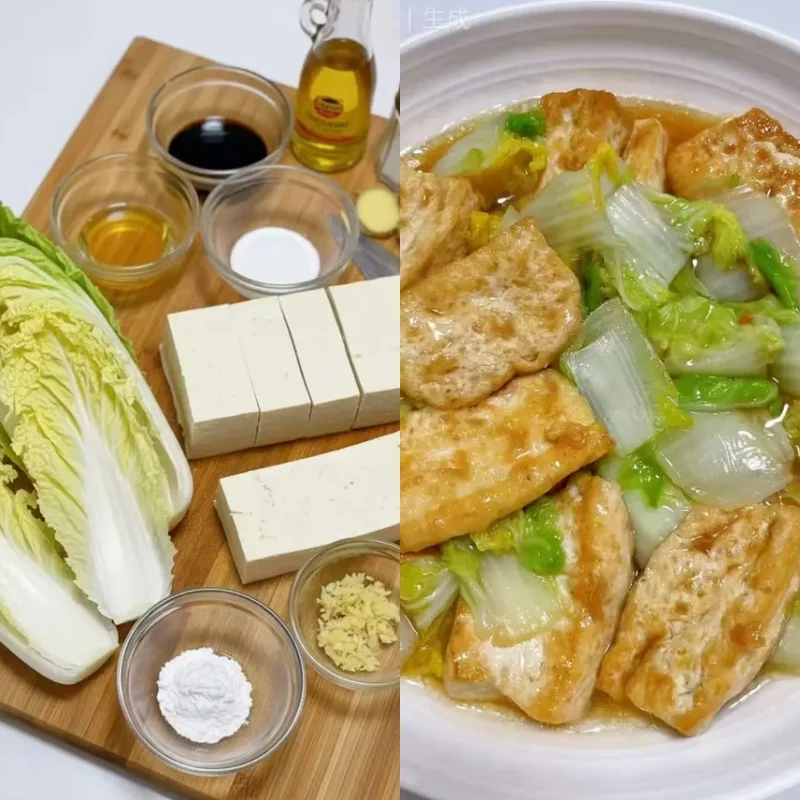
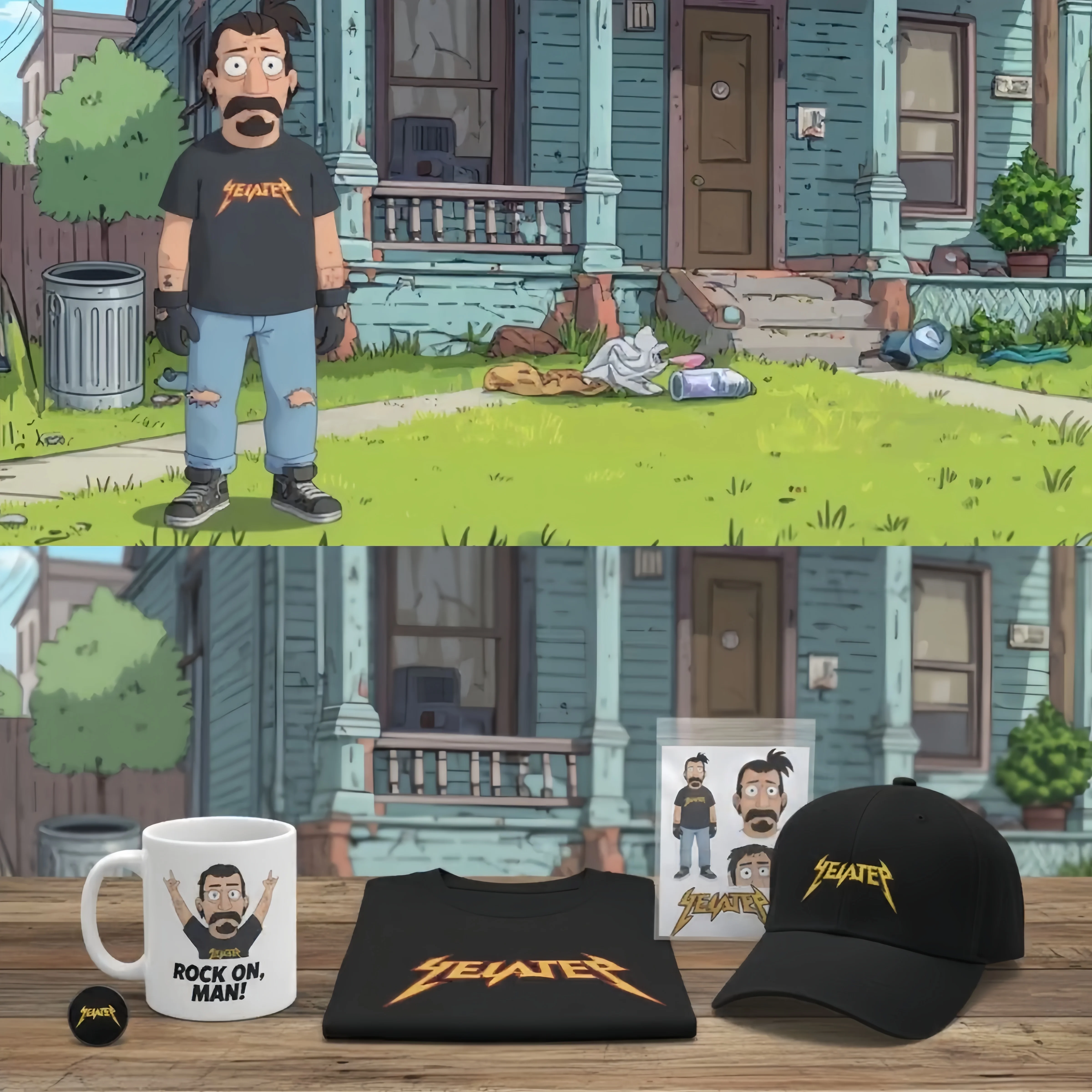
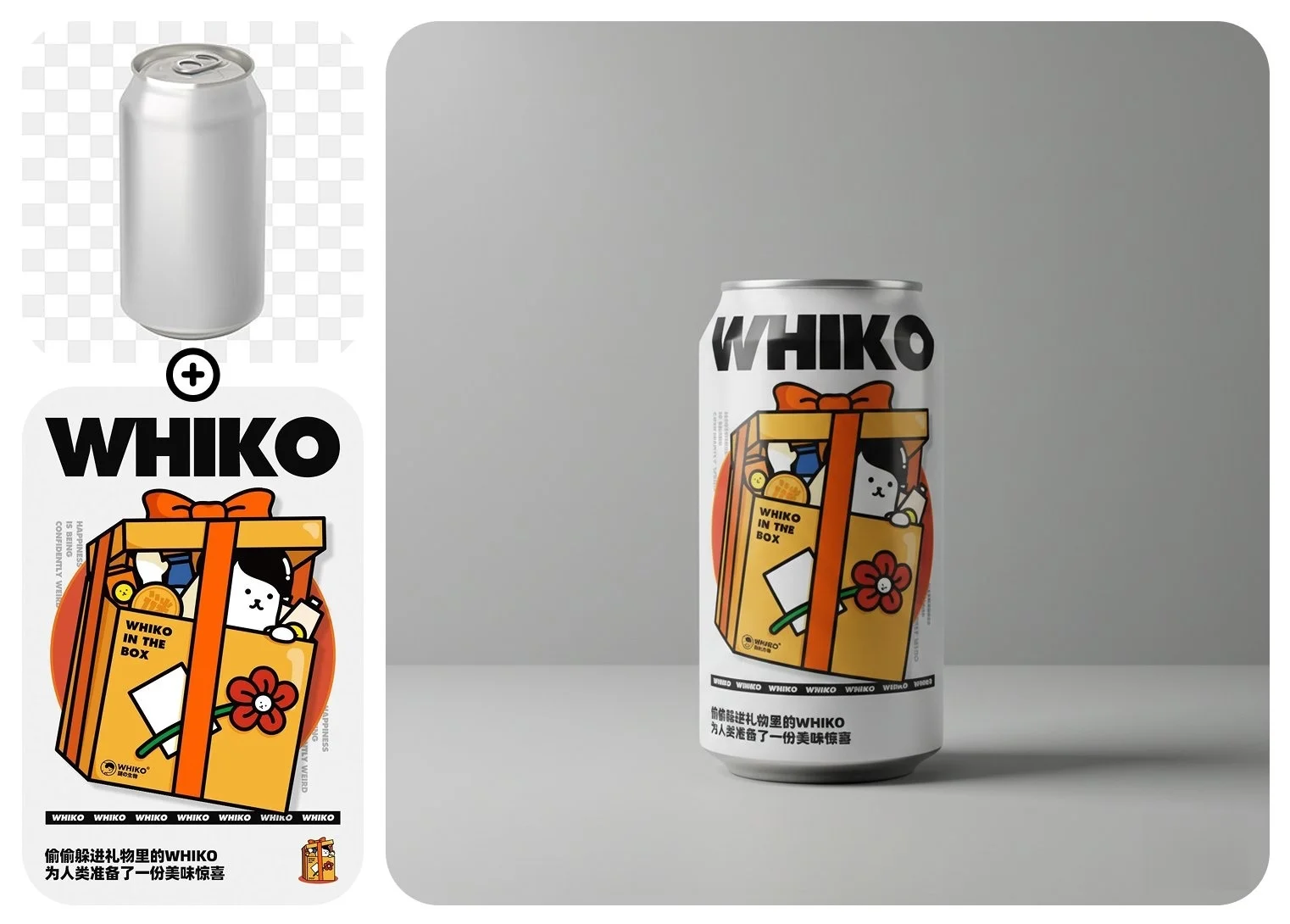
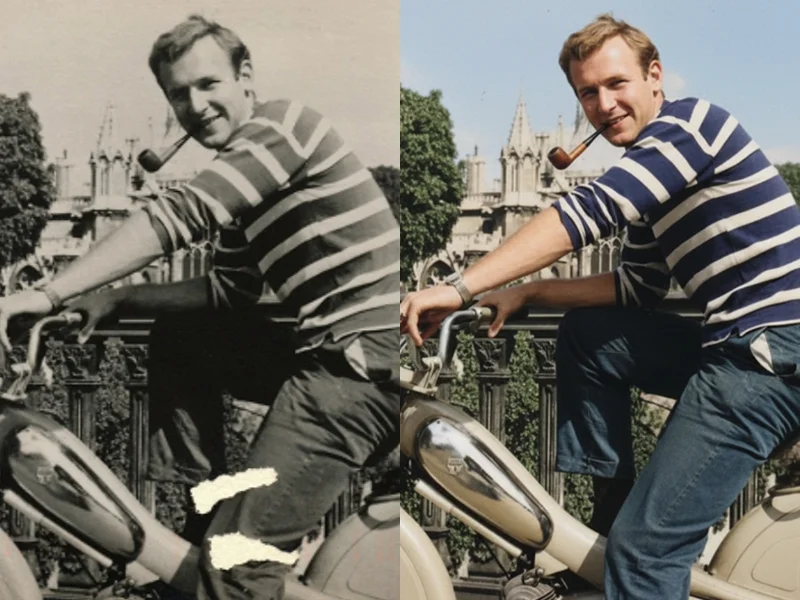
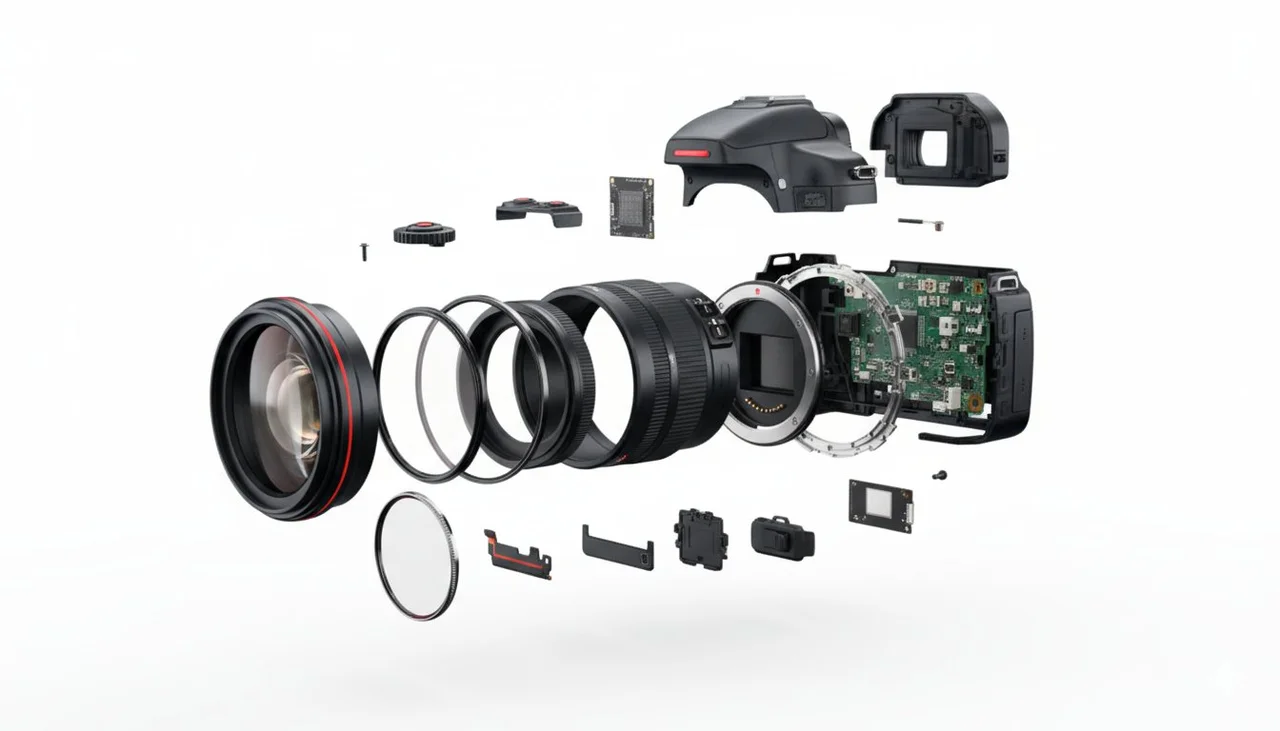
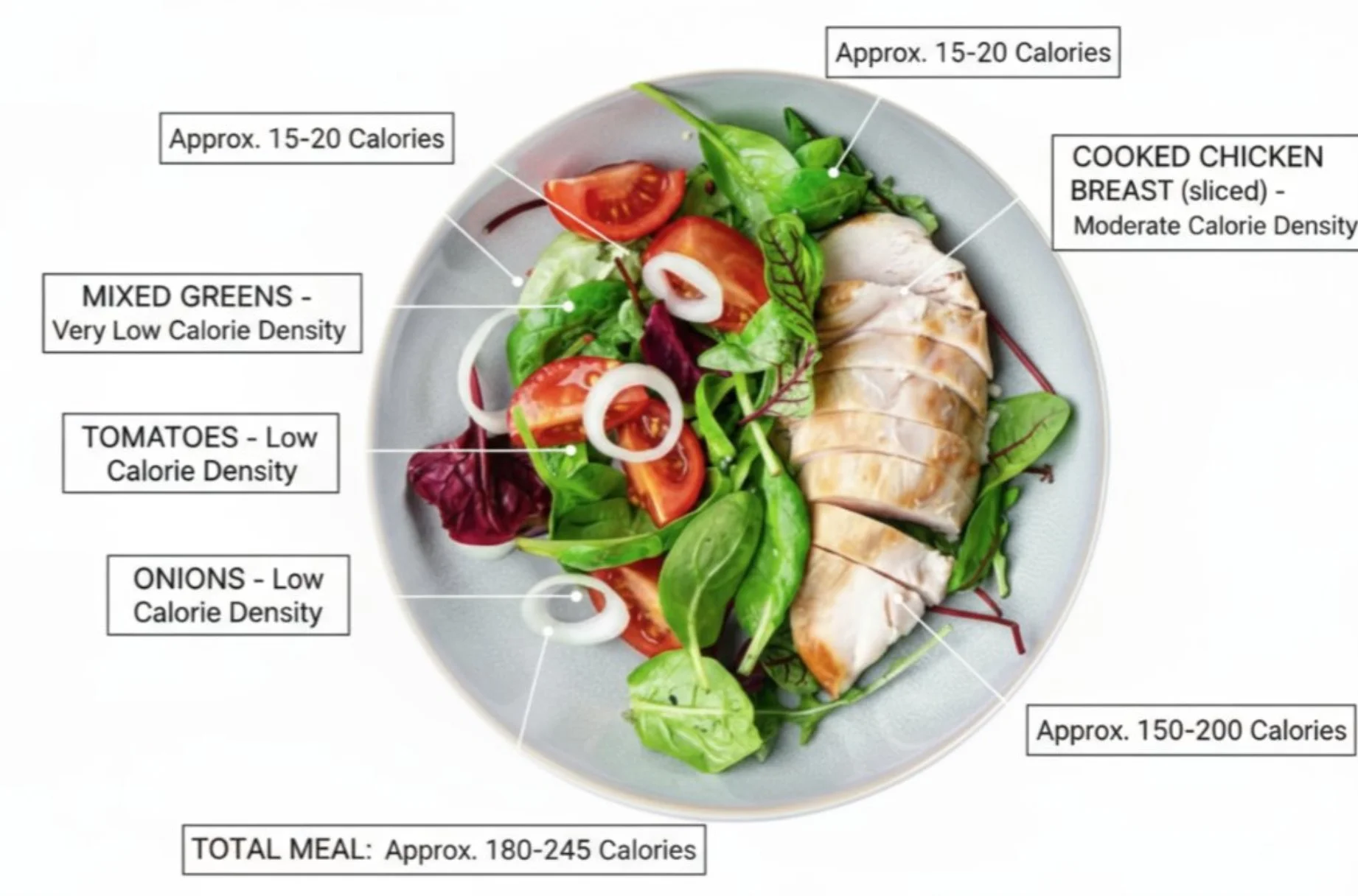
GeminiPro brings Google’s Nano Banana AI image model directly to your browser. Generate photorealistic portraits, product shots, and creative artwork from text prompts, or edit any photo using plain-language instructions. Choose from three Nano Banana model tiers — each built on Google’s Gemini architecture — and go from prompt to polished image in seconds, no design skills required.
What Is Nano Banana? Google’s Gemini Image AI Explained
Nano Banana is Google DeepMind’s AI image generation and editing model family, built natively on the Gemini architecture. Unlike diffusion-based models, Nano Banana reasons about your prompt the way Gemini does — understanding context, relationships between elements, and real-world knowledge — before generating an image. Three models cover the full range of use cases: from fast everyday creation to studio-grade 4K output.
3 Nano Banana Models
Model Tiers
Up to 4K
Max Resolution
Up to 14
Max Reference Images
Nano Banana vs Nano Banana Pro vs Nano Banana 2
Three models, three use cases. Here’s how to pick the right one for your workflow.
| Underlying Model | Nano Banana | Nano Banana Pro | Nano Banana 2Recommended |
|---|---|---|---|
| Underlying Model | Gemini 2.5 Flash Image | Gemini 3 Pro Image | Gemini 3.1 Flash Image |
| Max Resolution | Up to 1K | Up to 4K | Up to 2K (4K upscale) |
| Generation Speed | Fastest | 10–20s at 1K | 2–3× faster than Pro |
| Text Rendering | Good | Industry-leading | Strong; better for infographics |
| Google Search Grounding | — | — | Yes |
| Thinking Mode | — | — | Yes (Minimal / High / Dynamic) |
| Max Reference Images | Up to 10 | Up to 8 | Up to 14 |
| Best For | Speed & high-volume creation | Studio-quality & print-ready assets | Most users — fast iteration & real-world subjects |
For most users, Nano Banana 2 is the best starting point — it runs 2–3× faster than Pro, reaches 95% of Pro’s quality, and adds exclusive Google Search grounding for real-world accuracy.
Character Consistency Across Every Image
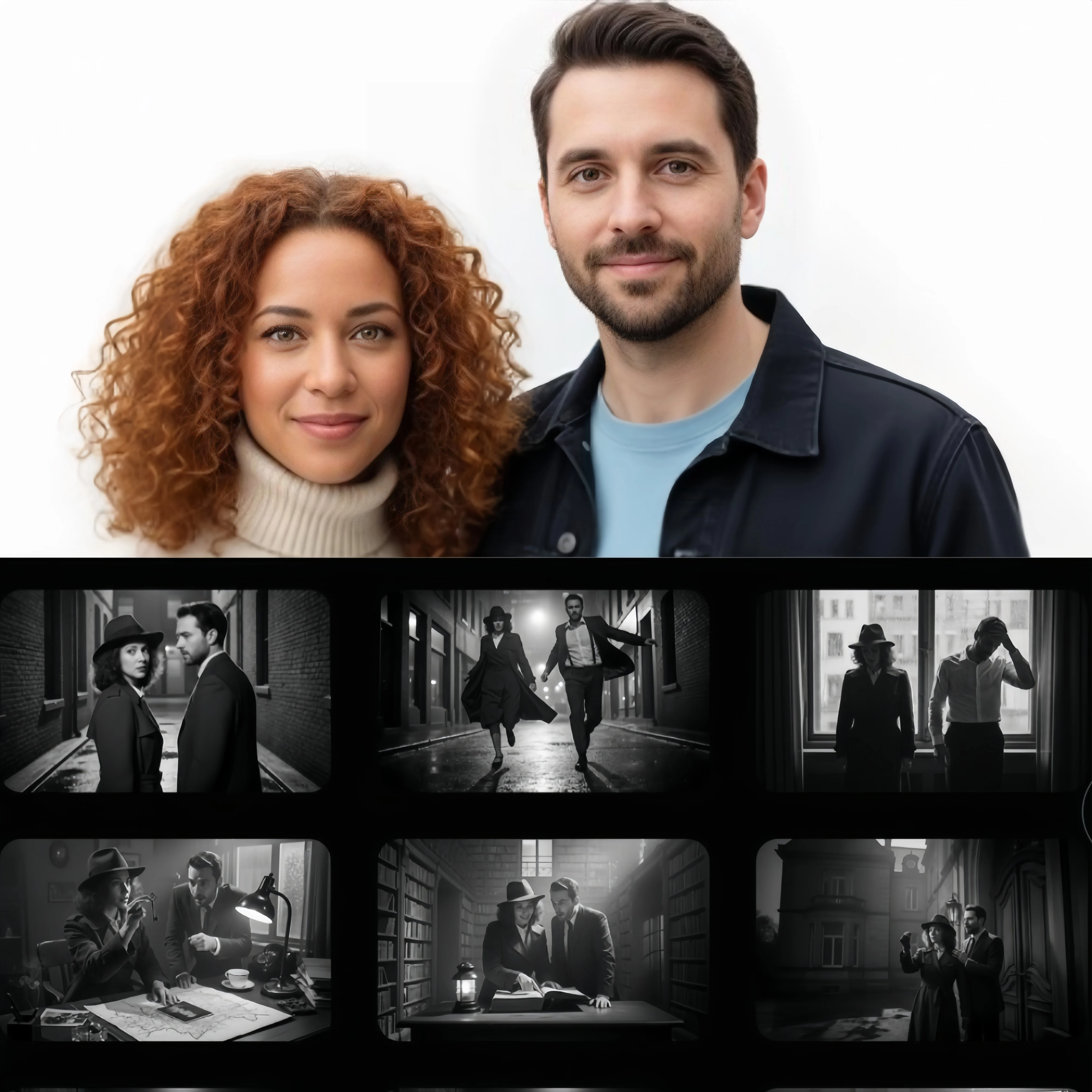
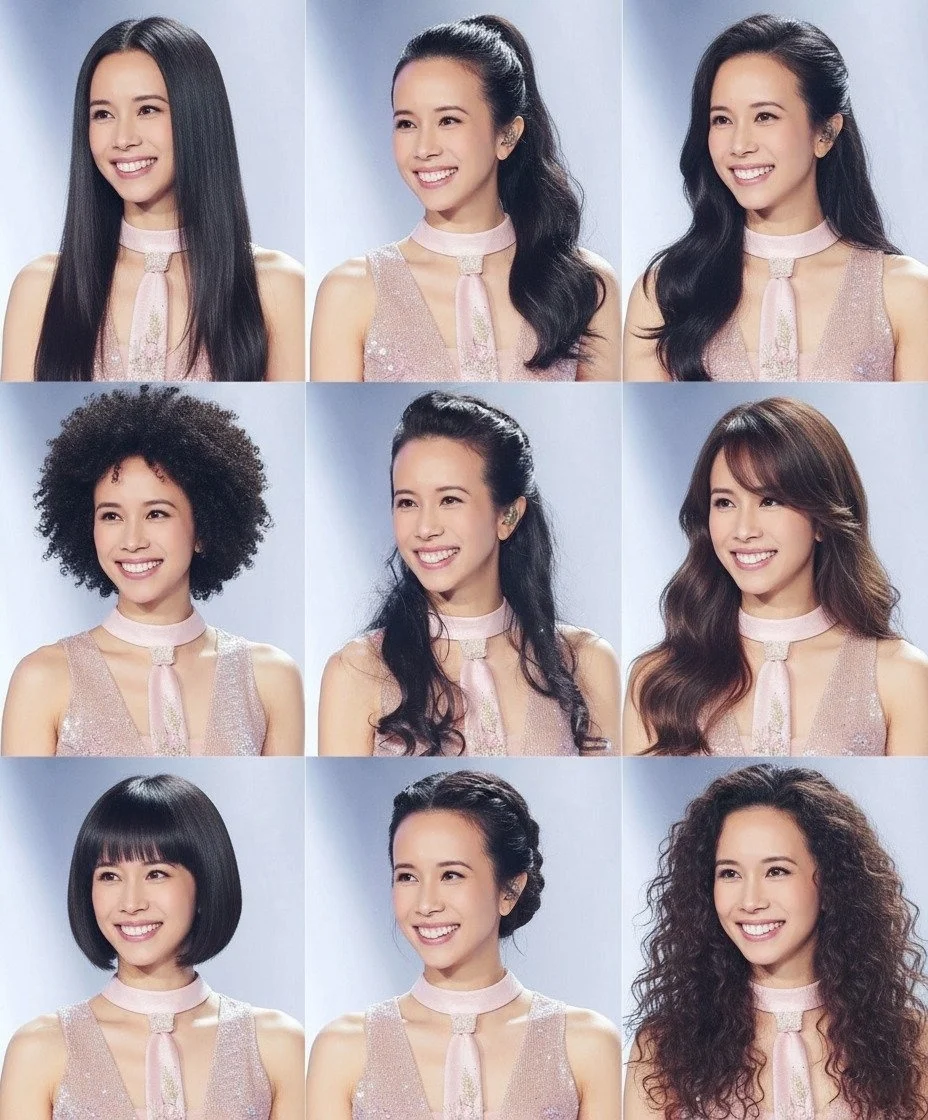
Upload reference photos of a person and Nano Banana maintains their facial features, proportions, and style across every new scene you generate. Whether you’re building a social media persona, a brand mascot, or a storytelling series, the same individual appears consistently without manual retouching. Nano Banana 2 supports up to 14 reference images per generation — the most reference slots of any model in the family.
Who Uses Nano Banana AI Image Generator?
From portrait photographers to e-commerce brands, Nano Banana fits a wide range of creative and commercial workflows.
Portrait Photographers & Creators
Consistent subjects across unlimited scenes
Generate studio-quality portraits of real or fictional subjects, maintain character identity across series, and produce social media content at scale without a photo shoot.
E-commerce & Product Teams
Photorealistic product shots in minutes
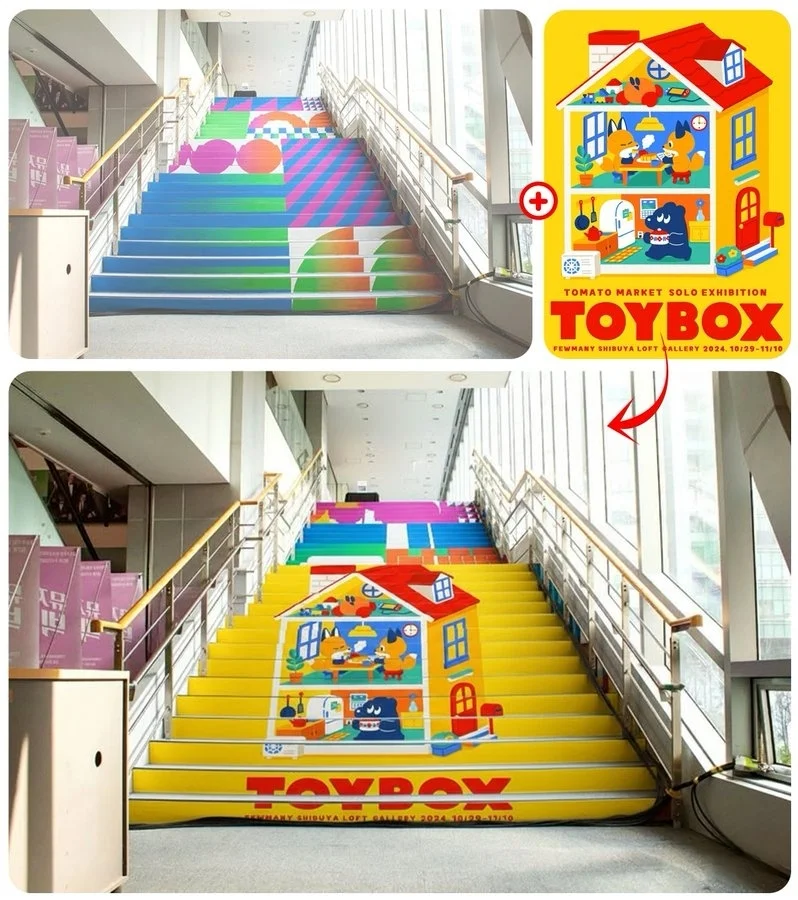
Place products in any environment, generate lifestyle photography, and create seasonal variations of campaign images — all from text descriptions, no studio required.
Social Media & Content Creators
High-volume content at speed
Generate scroll-stopping visuals for posts, thumbnails, and ad creatives in seconds. Nano Banana 2’s speed makes same-day content production realistic for any publishing schedule.
Artists & Visual Designers
Creative exploration without limits
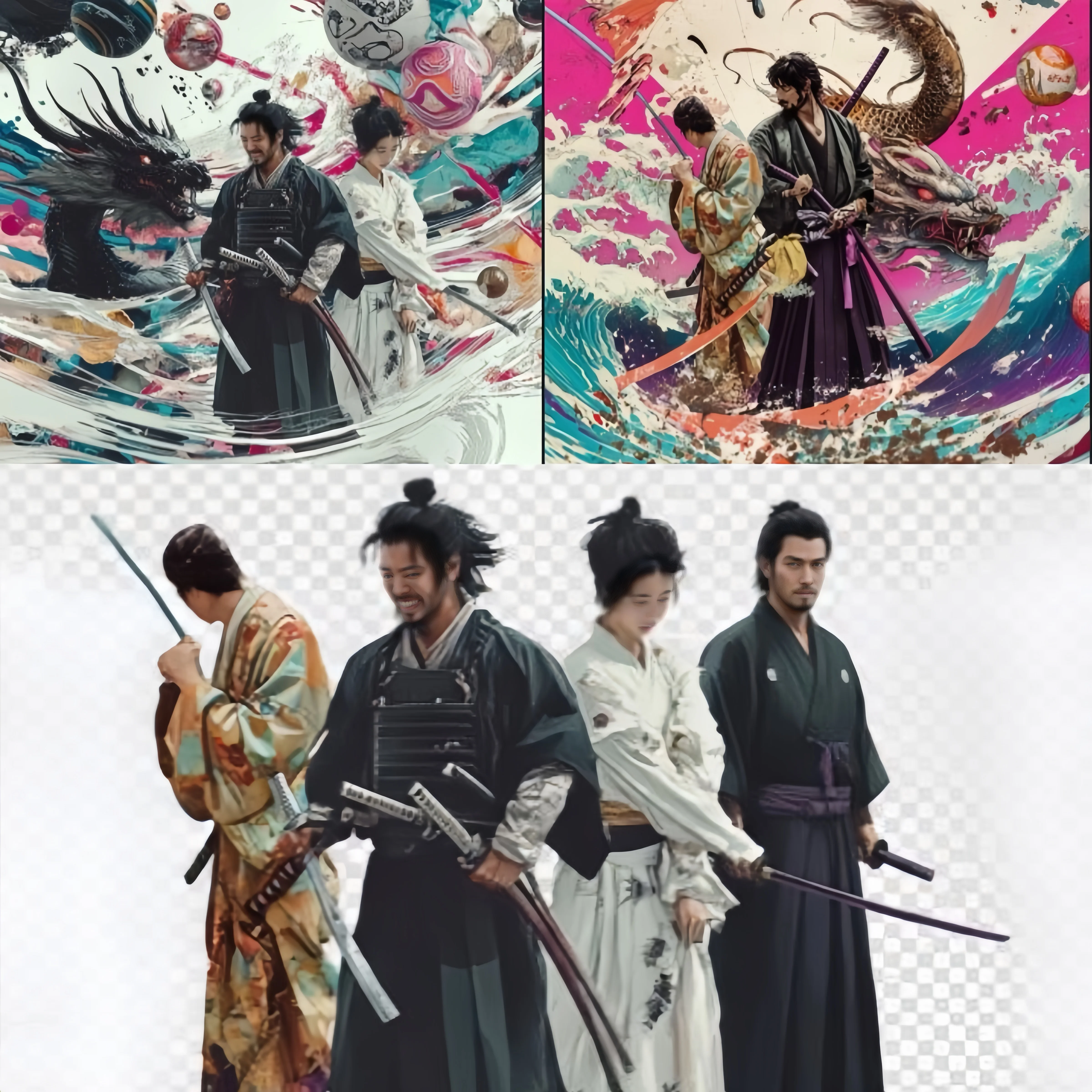
Concept art, illustration references, moodboards, and visual experiments — Nano Banana’s reasoning-based generation interprets complex creative briefs that simpler models miss.
Nano Banana Prompt Guide: Examples and Best Practices
Nano Banana’s Gemini-based reasoning understands detailed, descriptive prompts far better than keyword-only inputs. More specificity always yields better results.
Prompt Structure
[Subject] + [Action or State] + [Environment or Setting] + [Style or Lighting] + [Quality or Output Notes]
Portrait Photography
Social media headshot
“A professional headshot of a woman in her early 30s, confident expression, soft directional studio lighting, clean white background, sharp focus on eyes, photorealistic, 4K”
Product Photography
E-commerce hero image
“A matte black ceramic coffee mug sitting on a weathered oak table, morning golden hour light from the left, steam rising gently, minimalist composition, commercial product photography, 4K”
Fantasy Artwork
Book cover illustration
“A lone figure in ancient armor standing at the edge of a cliff overlooking a vast glowing city in a valley at dusk, dramatic rim lighting, painterly digital art style, epic fantasy atmosphere, ultra detailed”
Social Media Visual
Instagram fashion content
“A young woman in a flowing terracotta linen dress walking through a sunlit Moroccan market, candid documentary style, warm afternoon light, film grain, 3:4 aspect ratio”
Prompt Writing Tips for Nano Banana
- •Be specific about lighting — Lighting is one of the most impactful variables. Name the type — golden hour, soft box, rim lighting, overcast — rather than just saying “nice lighting”.
- •Describe the subject first — Start with who or what is in the image before adding environment and style. Nano Banana’s Gemini reasoning anchors the scene around the primary subject.
- •Use Nano Banana 2 for real-world subjects — When your prompt references a real person, place, or recent product, Nano Banana 2’s Google Search grounding ensures accurate visual representation.
- •Add quality and format notes at the end — Append output notes like “photorealistic, 4K, sharp focus” or “matte illustration, flat design” at the end of your prompt to consistently steer output quality.
How to Use Nano Banana AI Image Generator
Three steps from prompt to publication-ready image.
Write Your Prompt
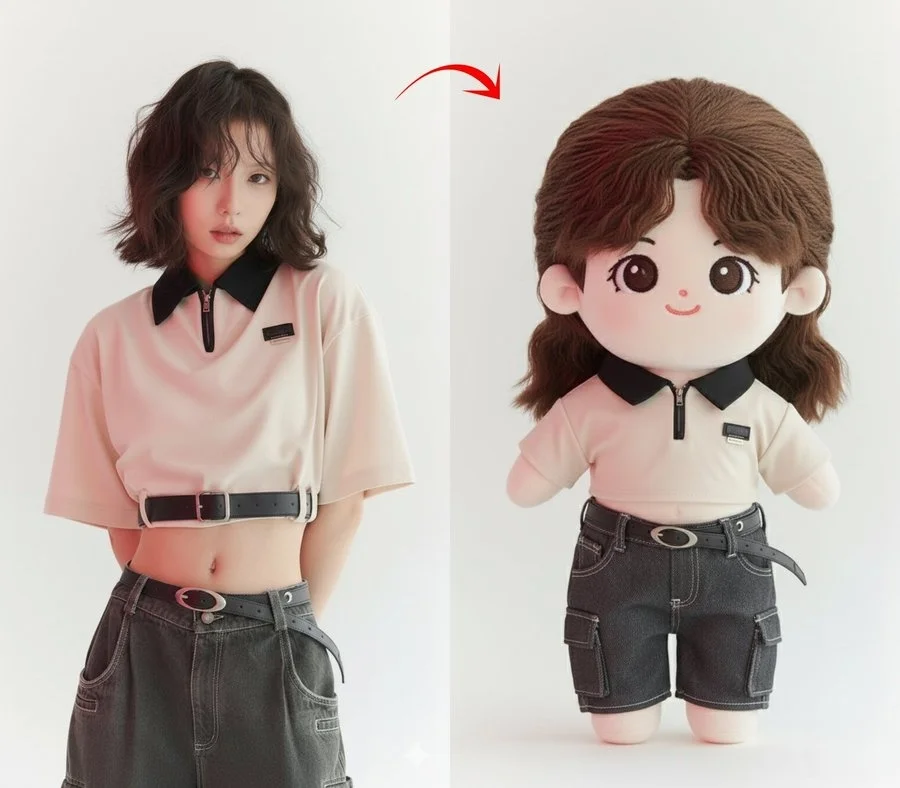
Describe your image in plain language. Include subject, environment, lighting style, and any quality notes. For image editing, upload your photo and describe the changes you want.
Choose Your Nano Banana Model
Select Nano Banana for maximum speed, Nano Banana Pro for 4K studio output, or Nano Banana 2 for the fastest high-quality generation with Google Search grounding.
Generate and Download
Your image generates in seconds to under a minute depending on model and resolution. Download in full quality for commercial use, printing, or direct publishing.
Explore More AI Tools on GeminiPro
GeminiPro’s full creative suite — from image generation to cinematic video with Veo 3.
Nano Banana FAQ
Common questions about Google’s Nano Banana AI image models on GeminiPro.
Create Your First Nano Banana Image Today
Join creators using Google’s Nano Banana AI on GeminiPro — the fastest way to generate 4K images, edit photos, and build character-consistent visual content, entirely in your browser.